Overview
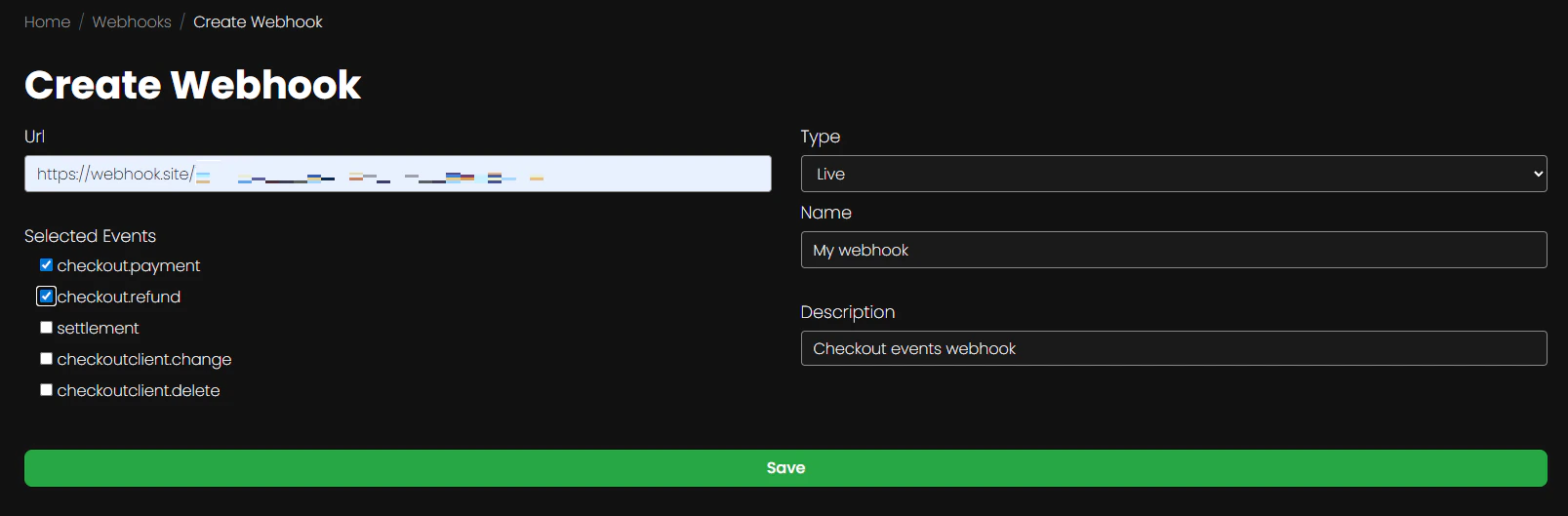
You can create and configure webhooks in Neuro-Pay using Company Admin → Webhooks. Available key-management options include:- Url (required)
- Test or Live key type (required)
- optional human-friendly Name
- optional human-friendly Description
- Selected Events Which events will trigger the webhook
checkout(for payment and refund events)checkoutclient(for change and delete events)settlement(only available for SwedBank and Nuvei integrations)